Roles
Roles and permissions — what each user may see and do, from reading flights to editing pricing rules.
What it is
A role is a set of permissions. Every user has exactly one role, and the role decides what they can see and do. Permissions are enforced everywhere: a control the user may not use does not appear, and the action is refused on the server as well.
Every club has two built-in roles, marked System:
- Administrator — every permission. It cannot be deleted.
- Member — a regular club member. See The Member role.
You can add your own roles, marked Custom — for example a treasurer or an instructor.
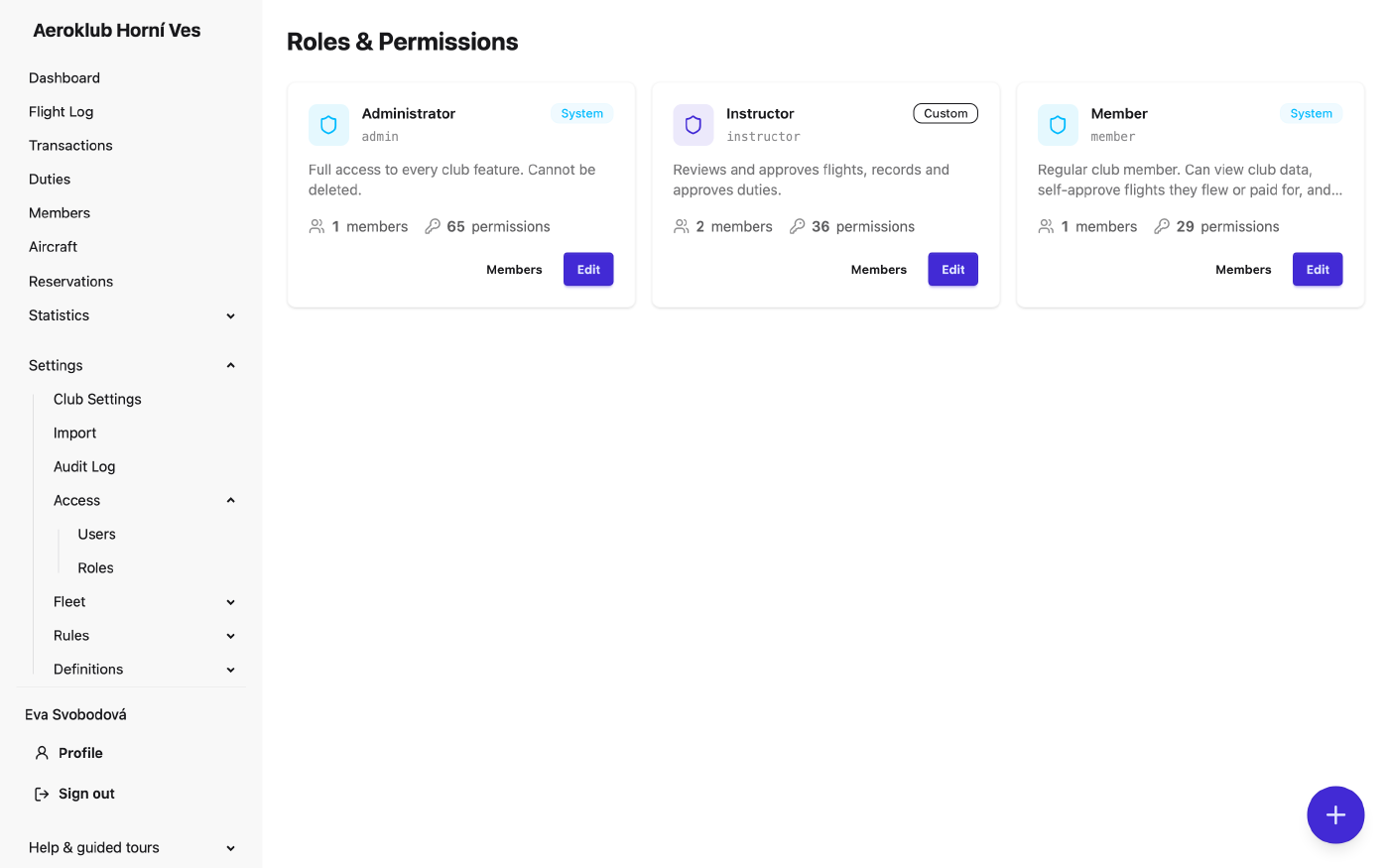
Each card shows the role’s name, key, description, how many users hold it and how many permissions it grants. Members lists the users on the role; Edit opens the role.
How to use it
Create a role
With Manage roles (create/edit/delete; set permissions), the + button opens New role: a Name, a Key (lowercase letters, digits and dashes; it cannot be changed later) and an optional Description. Then open the role to choose its permissions.
Edit a role
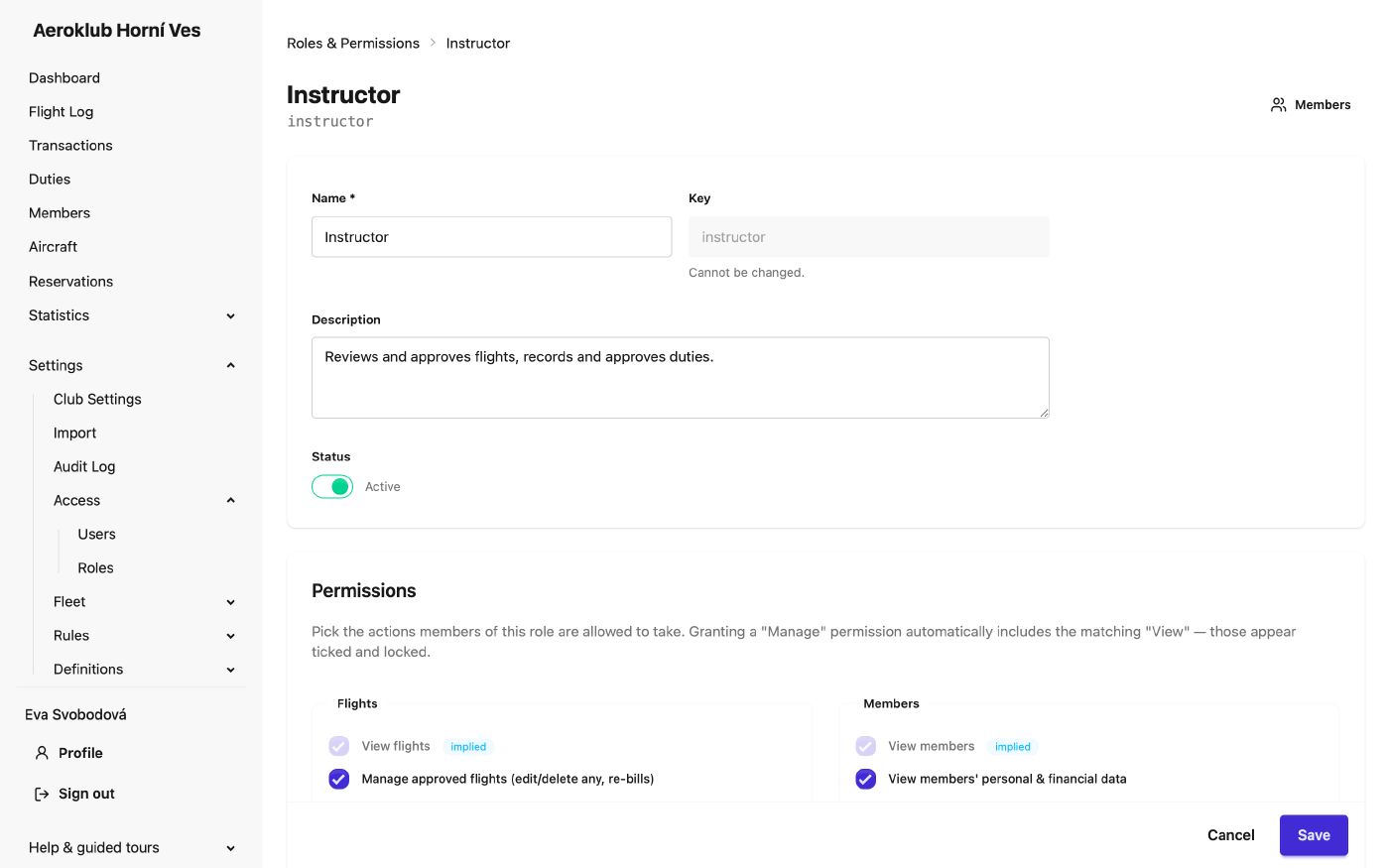
- Name, Description and Status. A built-in role’s name and description are translated automatically and cannot be edited. An inactive role cannot be given to anyone.
- Permissions — grouped by area (flights, members, aircraft, reservations, duties, transactions, rules, definitions, users, roles, and so on). Granting a Manage permission includes the matching View, shown ticked and locked with the badge implied. The badge ownership marks a permission that applies only to the user’s own records, such as their own flights.
- Delete removes a custom role, after a confirmation. A role that users still hold cannot be deleted; move them to another role first.
Safety rules:
- You can only grant permissions you hold yourself.
- A change that would leave nobody able to manage roles is refused.
Assign users to a role
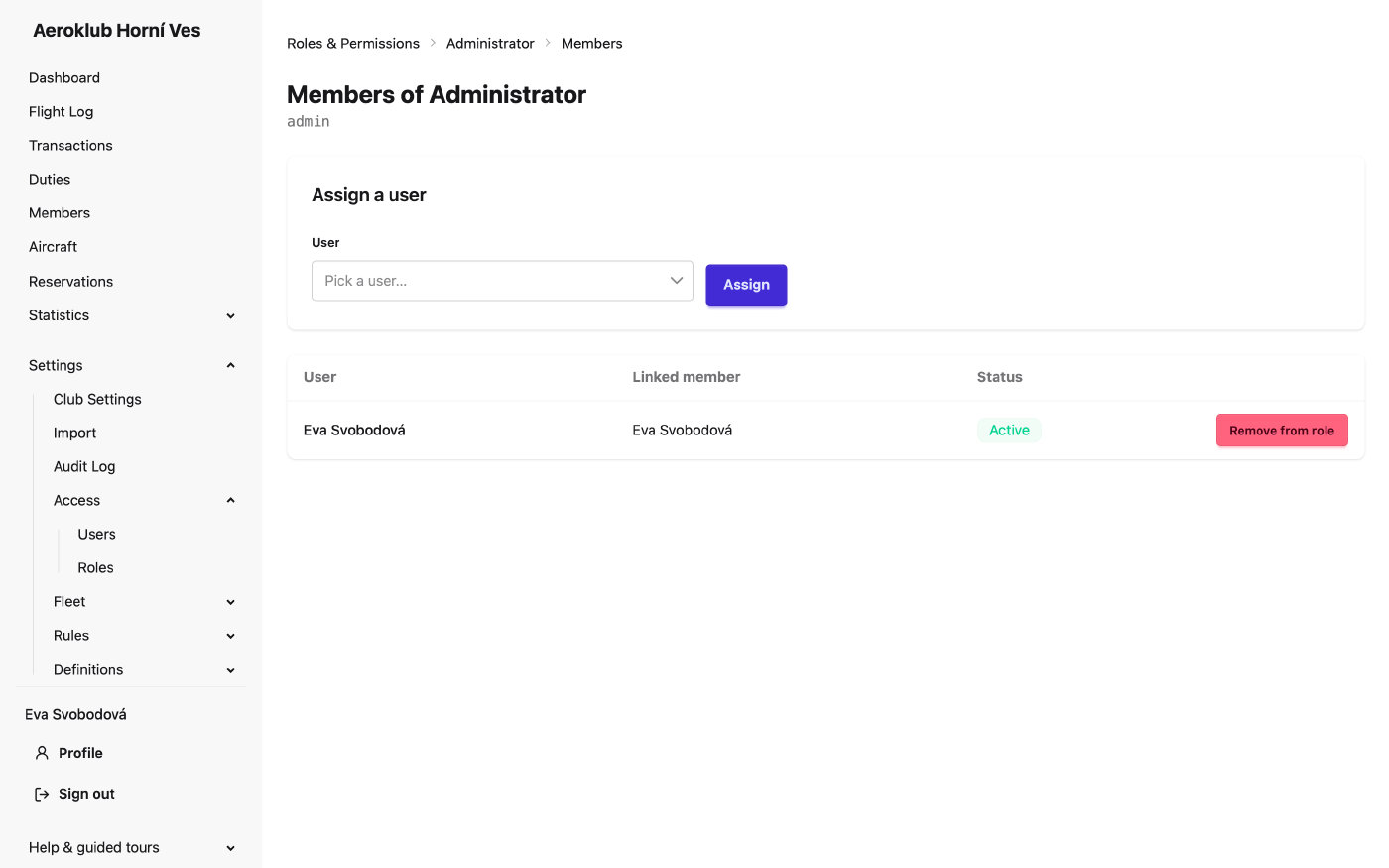
Members on a role card lists its users. With Assign roles to users, pick a user and click Assign, or use Remove from role, which moves the user back to the Member role. You cannot change your own role. You can also change a user’s role on their account page, see Users.
The Member role
A new club’s Member role grants:
- Every View permission except View users, View penalties, View all transactions and View audit log. Members see the club’s flights, members (without personal data), aircraft, duties, reservations, rules and definitions, and always their own payments and balance.
- Approve own flight and Edit own approved flight.
- Create and edit unapproved flights.
- Manage own duties, Create reservations and Cancel own reservations.
- View own member portal, Change own password and Update own profile.
It does not include Manage own licences. Add it if members should add and renew their own licences on their Qualifications tab.
These defaults apply when a club is created. An existing club’s Member role is not changed — review it, for example to remove View audit log or View all transactions.
Flight permissions
The flight permissions are named after the flight’s status:
| Permission | What it allows |
|---|---|
| View flights | The Flight Log and every flight’s page |
| Create and edit unapproved flights | Log new flights and edit any flight until it is approved |
| Delete, decline and merge unapproved flights | Remove, reject or merge flights that are not yet approved |
| Approve any flight | Approve any pending flight, so it is billed |
| Approve own flight | A crew member or payer approves their own flight |
| Edit own approved flight | The pilot in command edits their own flight after approval; billing runs again. Times and aircraft from the tracking system stay locked. |
| Manage approved flights (edit/delete any, re-bills) | Edit or delete any approved flight; billing runs again. Also allows flight import. |
Other permissions to know
- Send messages to members — email groups of members and see the message history. It is separate from Manage members; neither includes the other.
- View members’ personal & financial data — birth date, address, custom fields, and other members’ payments, balance, flights and qualifications. Included in Manage members.
- Record maintenance / inspections — record maintenance on aircraft components; also needed for the Aircraft maintenance email.
- Manage own licences — add, renew and end one’s own licences.
- Invite users — create invites; only for roles within the inviter’s own permissions.
Related
- Users — the accounts that roles are given to.
- Notifications — club-operations emails follow these permissions.
- Audit Log — every role and permission change is recorded.