Memberships
The membership tiers a member can hold — used by pricing, qualification, penalty, periodic and bank rules.
What it is
Memberships are the tiers your club sorts its members into — for example full member, student, honorary or junior. Each member holds exactly one membership at a time. Memberships have a history: assigning a new one closes the previous one, so rules can read the membership a member held on a given date.
Rules use the membership as a condition: Pricing Rules charge different rates, Periodic Transactions charge the right fee, Qualification Rules, Penalties and Bank Mapping Rules can target or exclude a tier.
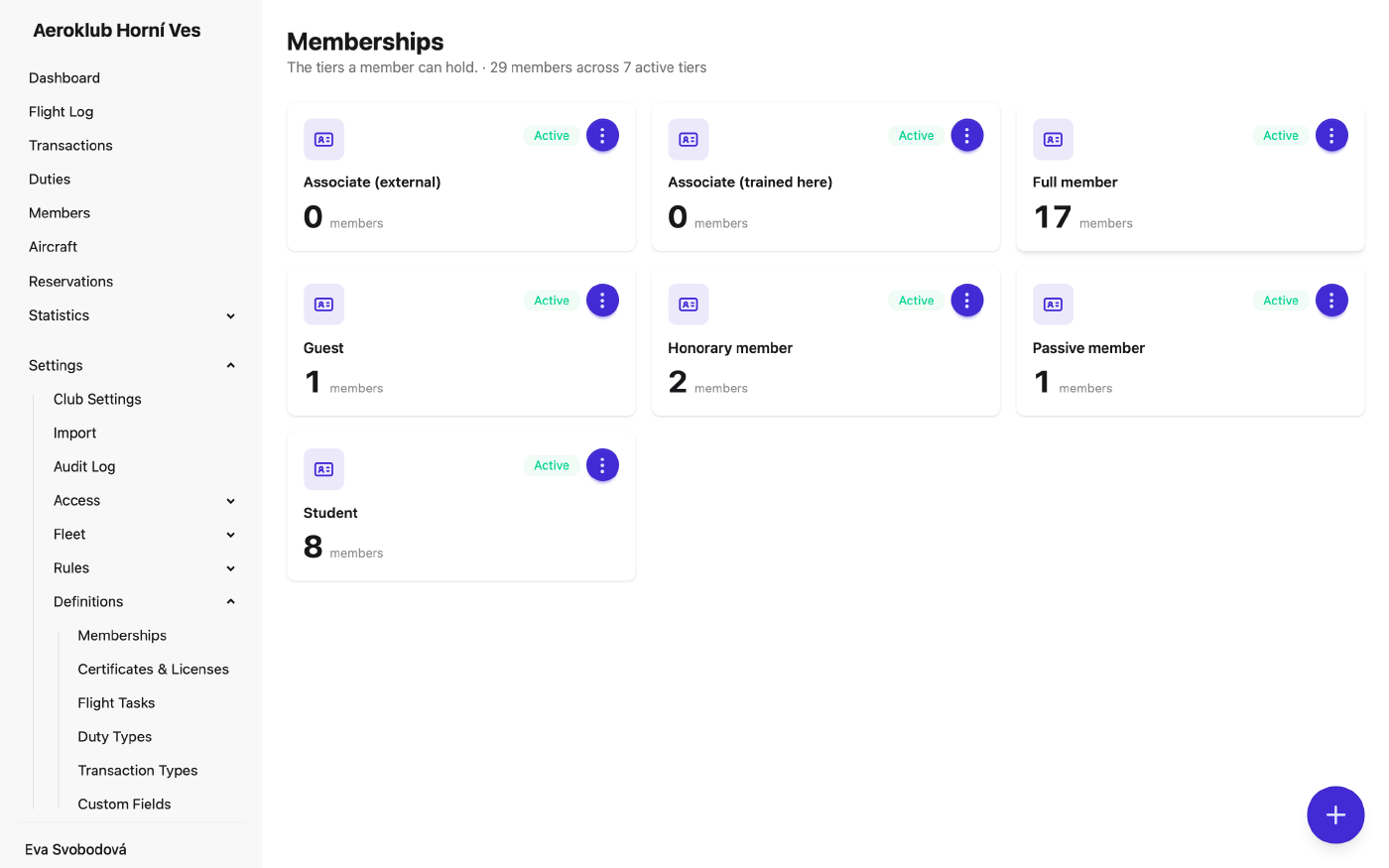
How to use it
- Add a membership — Add membership asks only for the Membership Name.
- Rename — from the row menu.
- Assign it — on the member’s Details tab, which also shows their membership history.
- See usage — each tier shows how many members hold it.
- Deactivate / Reactivate — a membership can be deactivated only when no active member holds it.
Rule conditions refer to a membership by its name. Renaming a membership updates every rule that uses it — including older versions of versioned rules — and each changed rule gets an entry in the audit log.
Related
- Members — where each member’s membership is assigned.
- Pricing Rules — different rates by membership.
- Periodic Transactions — recurring fees by membership.