Transaction Types
The categories every entry on a member's account is booked under — built-in system types and the club's own — used by rules, manual entries, statements and statistics.
What it is
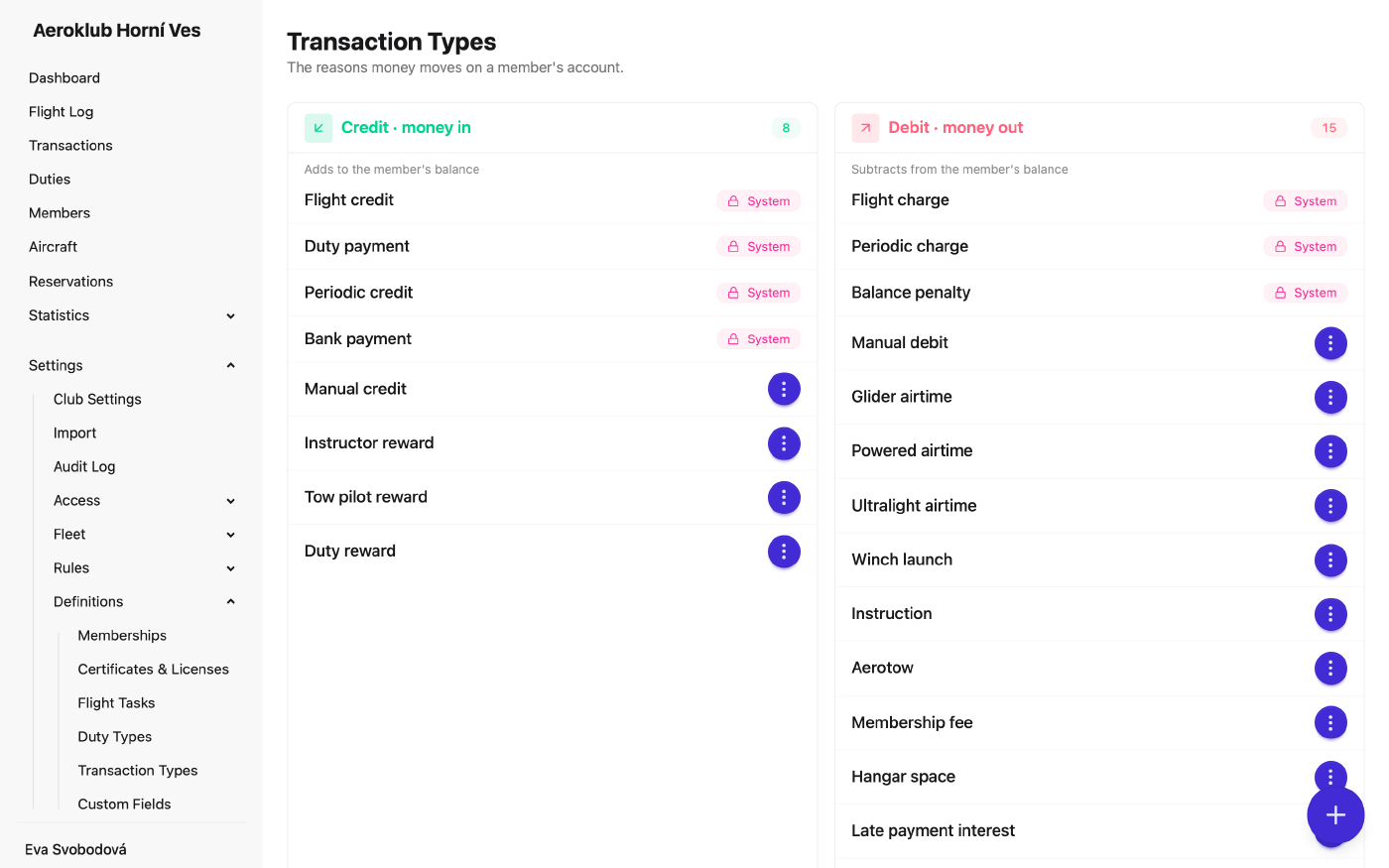
Transaction types name why money moves on a member’s account — a flight charge, a tow fee, a membership fee, a deposit, a refund. Every type belongs to one direction, shown as two panels:
- Credit · money in — adds to the member’s balance.
- Debit · money out — subtracts from it.
Choosing the type decides the direction of the transaction.
System types are built in and marked System: Flight charge, Flight credit, Duty payment, Periodic charge, Periodic credit, Balance penalty and Bank payment. Rules use them when you don’t choose a type. They can’t be renamed or deleted.
Your own types can be used both for manual entries and by rules. Every rule names the type it posts under:
- Pricing Rules — a Charge type for the payer and a Credit type for the credited pilot.
- Duty Types — a Payout type.
- Periodic Transactions — a Type.
- Penalties — a Charge type.
- Bank Mapping Rules and the bank connection’s Default transaction type.
So a statement reads Airtime, Tow fee and Instruction as separate lines instead of one flight charge, and payment statistics total real categories. A slot for a charge accepts only debit types, a slot for a credit only credit types.
How to use it
- Add a type — the + button opens Add Transaction Type: Name and Category (credit or debit). The direction can’t be changed later.
- Rename — your own types, from the row menu.
- Delete — only when nothing uses the type. If something does, the message names what: a number of transactions, pricing rule versions, duty types, recurring payment rules, penalty rule versions, bank mapping rules, or the bank connection’s default.
- Manual entries — single and bulk transactions on the Payments page offer only your own types.
The Payments list and each member’s ledger can be read By type or By flight, which folds the extra lines back together.
Related
- Payments — where each entry is booked, and the grouped views.
- Payment Statistics — totals by type.
- Pricing Rules — the charge and credit types of flight billing.
- Bank Mapping Rules — the types bank payments post under.