Duties
Work members do for the club — logged, approved and credited to their accounts.
This page is for club administrators. As a pilot you don't need it — go to the Pilot guide.
What it is
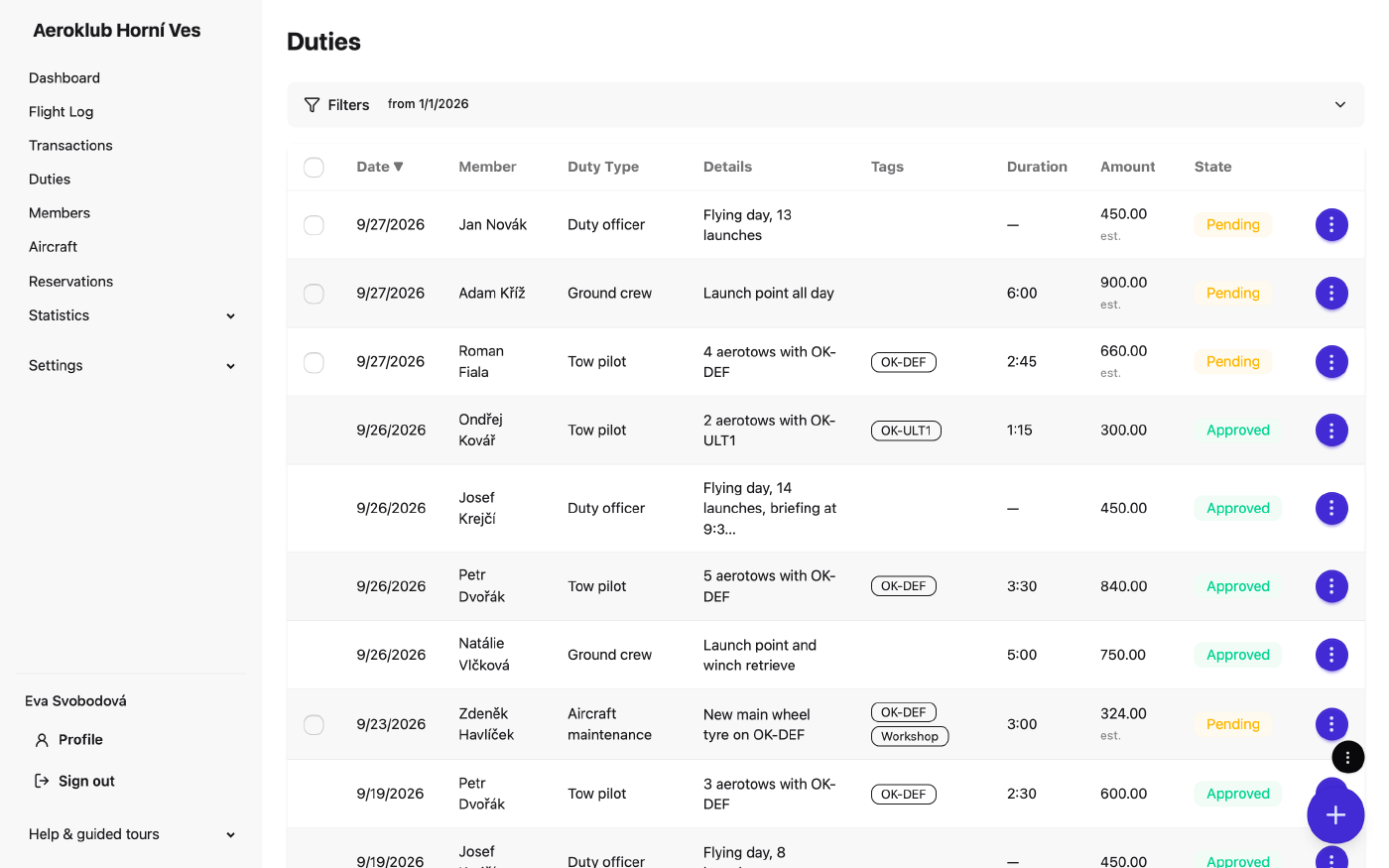
Duties record the work members do for the club — airfield duty, towing, instructing, hangar work. Each duty has a date, a duty type, the member, a duration and optional details and tags. A pending duty shows an est. amount from the current rate; approving it posts a credit to the member’s account, under the duty type’s transaction type, at the rate valid on the duty’s date.
How to use it
- Log a duty — the round button → Log duty. Members whose role allows it log their own.
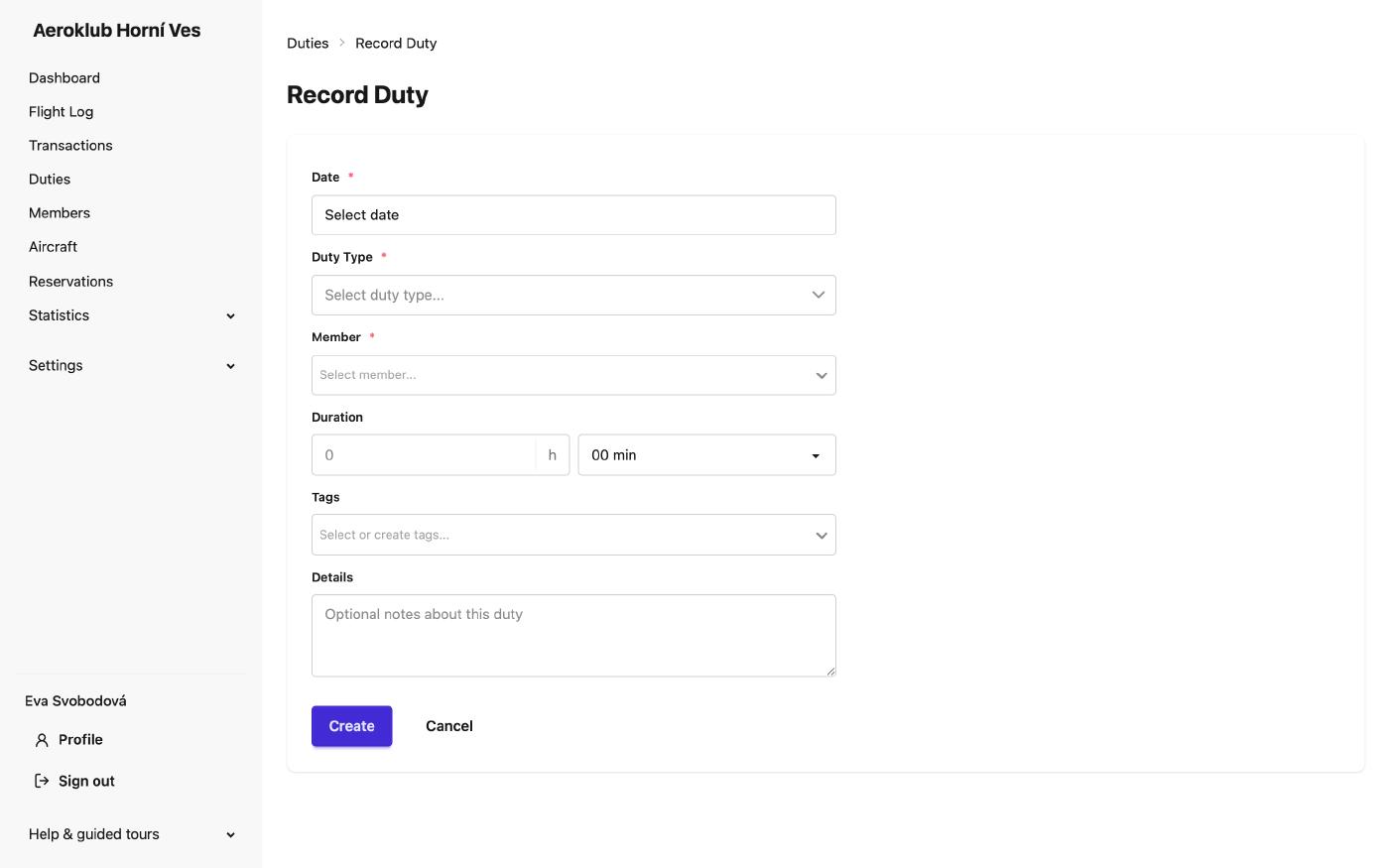
- Bulk add duties — several at once, for example after a work weekend.
- Filter by date, member, duty type, tag and State (pending / approved).
- Approve — one at a time from the row menu, or tick several pending duties and press Approve (n). Each is approved on its own; one that fails (for example no rate on that date) is skipped with the reason. You can’t approve your own duty.
- Edit a pending duty; an approved one is read-only.
- Delete — deleting an approved duty also deletes its credit, so the member’s balance stays right. The credit can’t be deleted on its own from Payments.
- Export — CSV, PDF or Custom export… (see Exports).
Related
- Duty Types — kinds of work and their rates.
- Duty Statistics — hours and counts per member, type or tag.
- Payments — where duty credits land.