Flights
The complete registry of every flight — manual or tracked — with crew, durations, start type, and the charges billed.
What it is
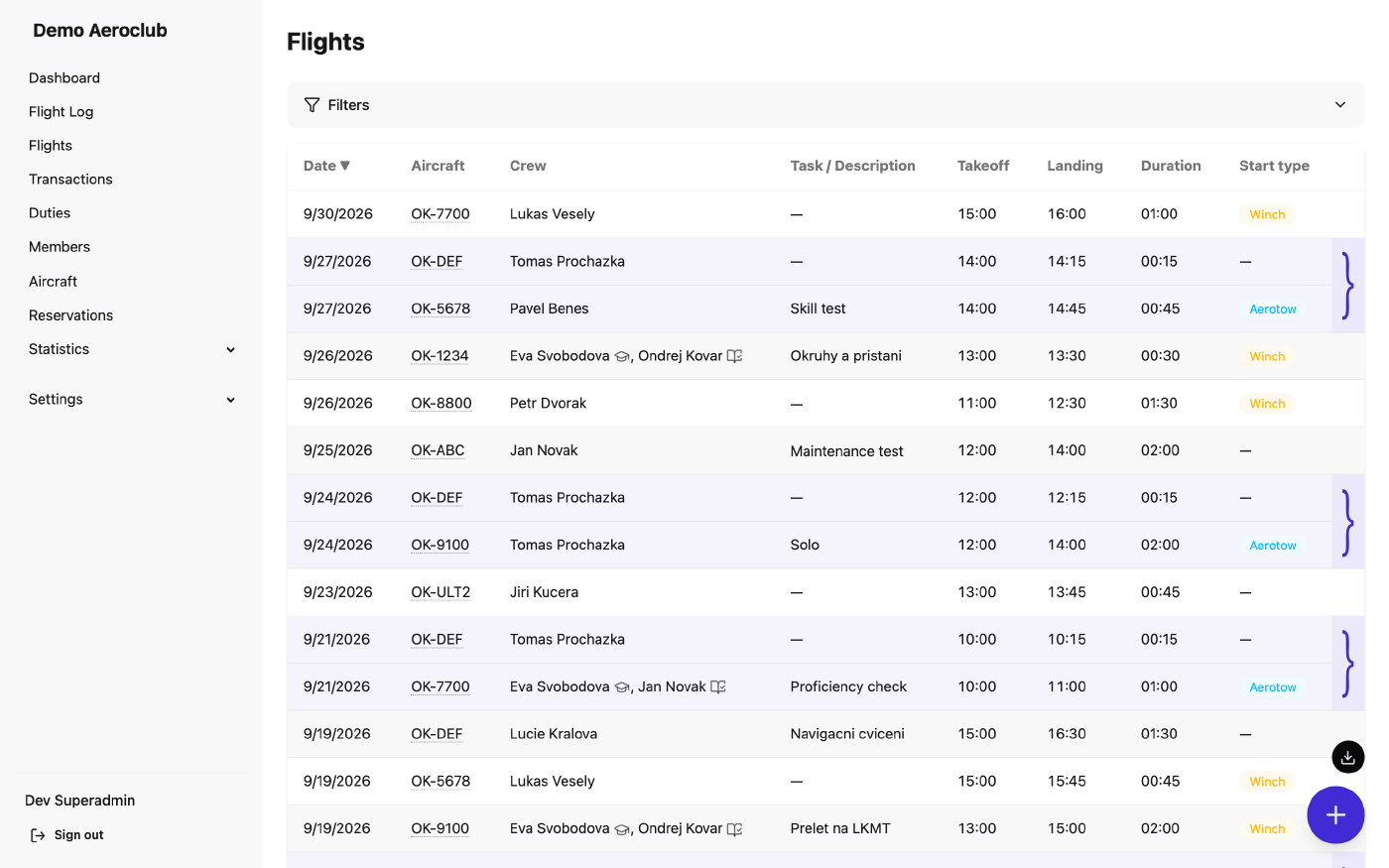
Flights is the permanent record of every flight flown at the club, whether it was detected automatically by the receiver or logged by hand.
Each row carries pairing information (a glider alongside its tow aircraft), crew roles, flight duration, the start type (winch, aerotow), and the charges produced by automatic billing. You can filter and sort the registry, and open any flight from it.
How to use it
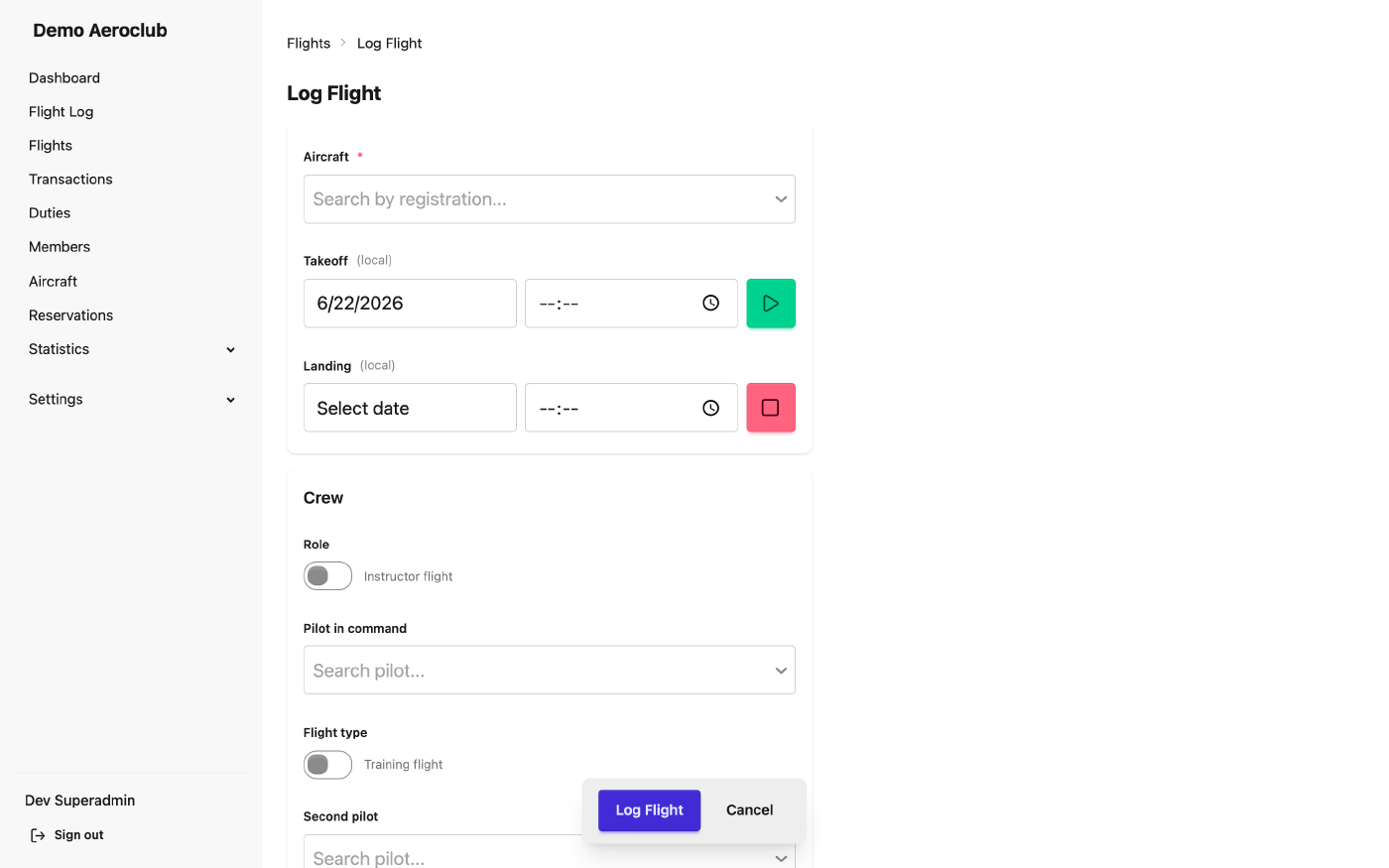
- Log a new flight — add a manual flight at
/flights/new.
- Filter and sort — narrow the registry by various criteria.
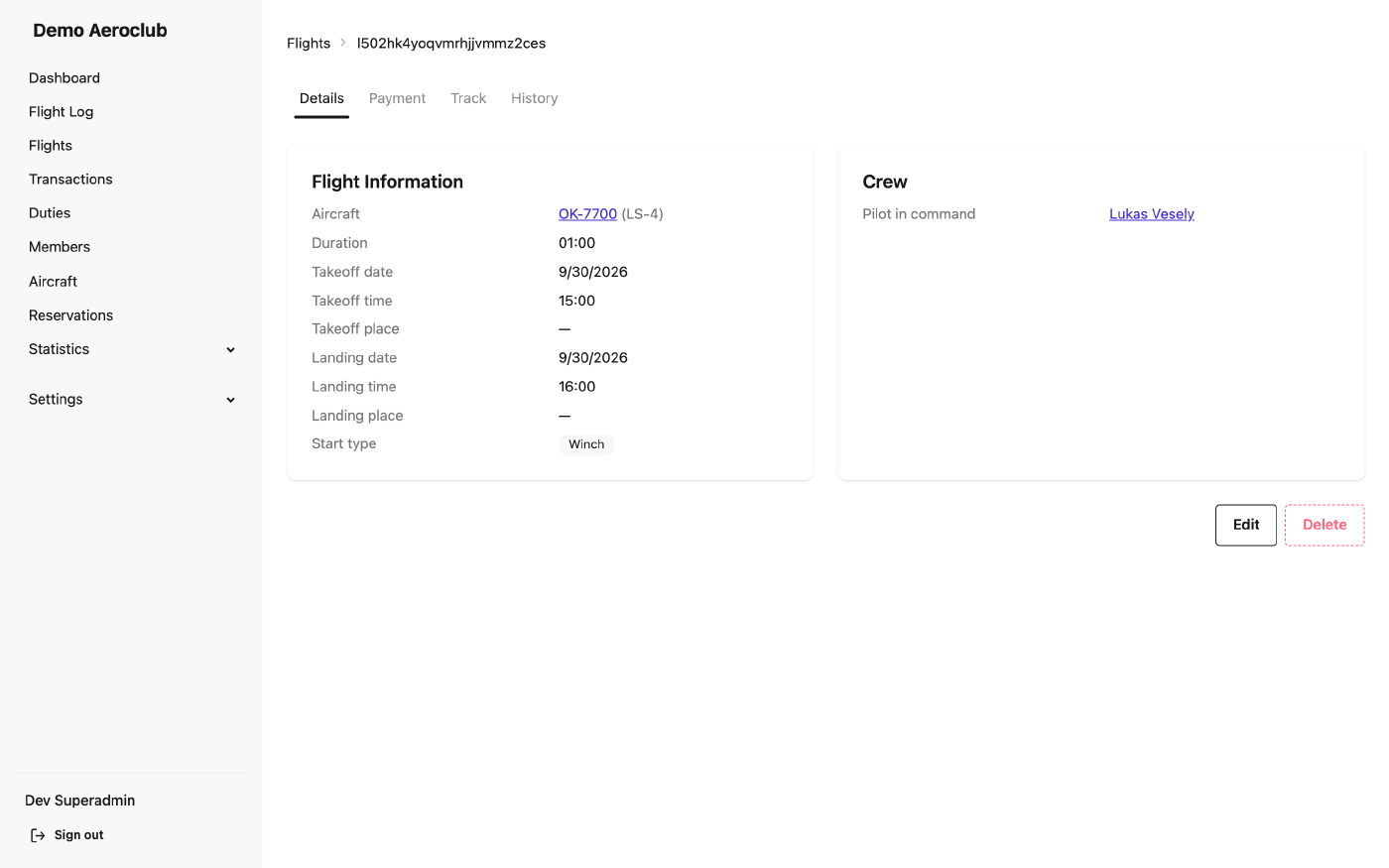
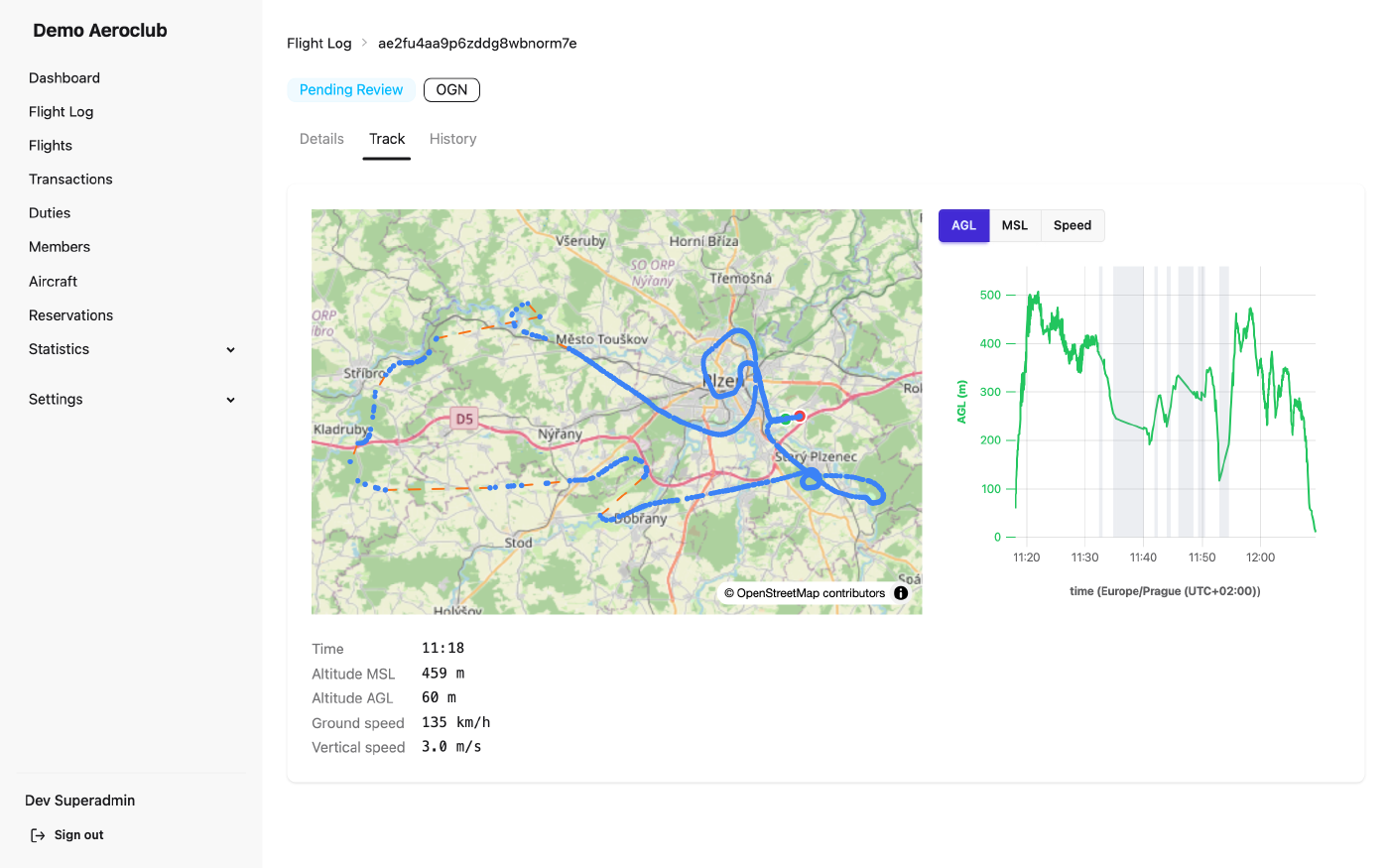
- Open a flight — a flight’s page offers Details, Track, and History tabs; for approved flights a Payment tab with a breakdown of charges is added too. An approved flight can be edited from the Details tab.
- Adjust billing — after editing the flight or the rules and re-running billing, the flight’s price is recalculated.
- Export — the floating button in the list downloads the currently filtered flights as CSV or PDF.
Related
- Flight Log — where tracked flights are reviewed before they reach here.
- Pricing Rules — the rules that decide each flight’s charges.
- Transactions — the ledger those charges post to.
- Members — the people who fly and get billed.