Members
The member register: profiles, memberships, balances, licences, logins, bulk edits, invites and messages.
What it is
Every person in the club — flying or not — is a member, with a club-wide member number (#1, #2 …) that never changes. Flights, charges, licences and duties all attach to members. A member may or may not have a login (user account); the two are linked but managed separately.
The list
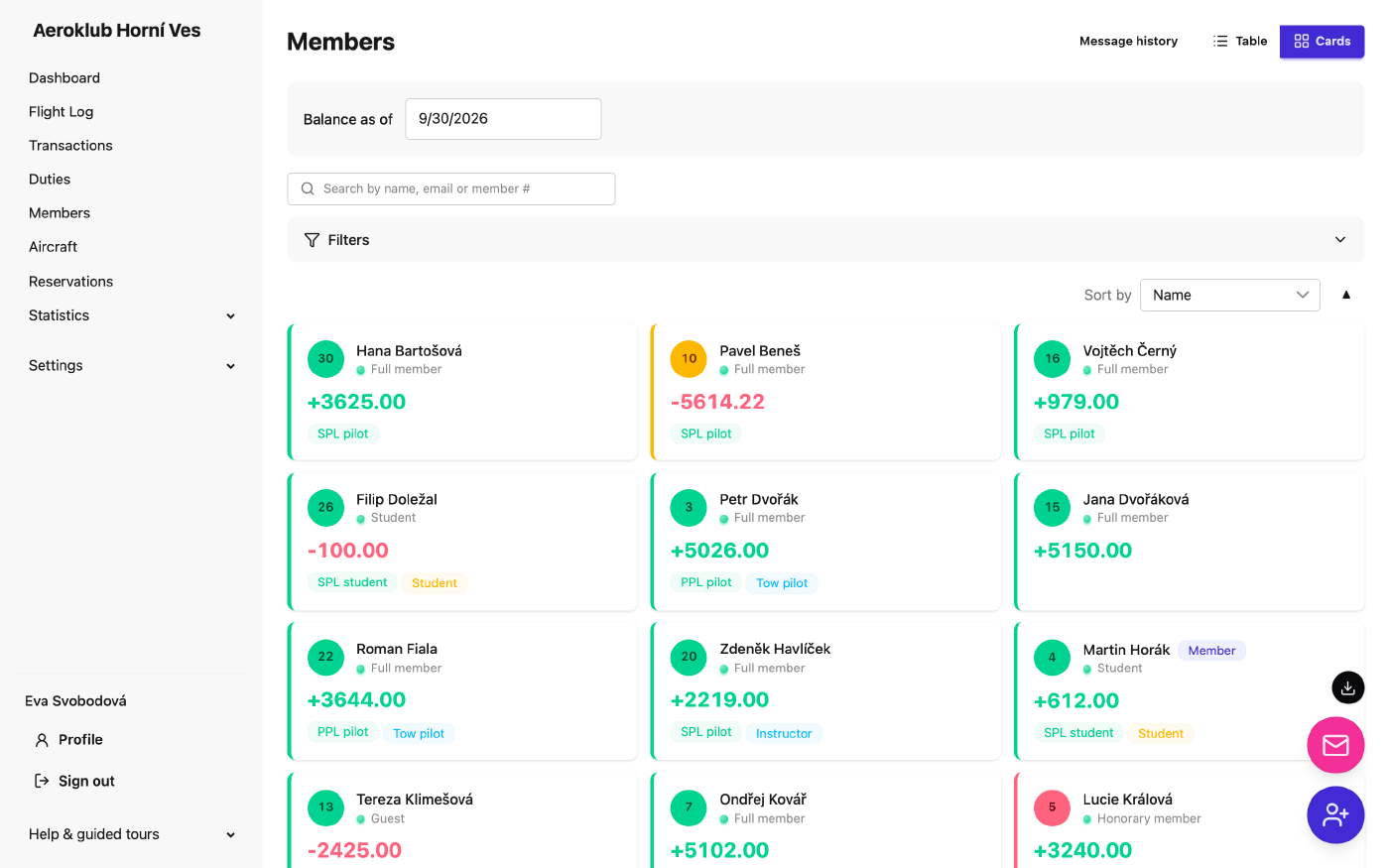
- Table or Cards view. Cards show each member’s pilot role and airworthiness at a glance.
- Search by name, email or member number; sort by name, number or balance.
- Filter by status, membership, licence, pilot role (student, instructor, tow pilot, examiner, mechanic…) and Account — Linked, Pending invite or Missing.
- Inactive members are dimmed, not labelled.
Bulk actions
Tick members (or Select all … matching the filter) to:
- Edit — change status, membership (with a Valid from date) or custom fields for all of them.
- Send invite — invite them to log in, with one role for the batch. A preview shows per member whether it is a new invite, a resend (replacing a pending one) or a skip (already linked, no email). Emails go out over the next few minutes; each invite’s delivery state is shown in Users. Up to 200 at once.
- Send message — an email to the selected (or all filtered) members, sent as the club with replies to you. See Notifications.
Adding a member
Add member needs only a name; everything else is optional, including the email. Switch on Send login invite to create the login in the same step (it needs an email and a role).
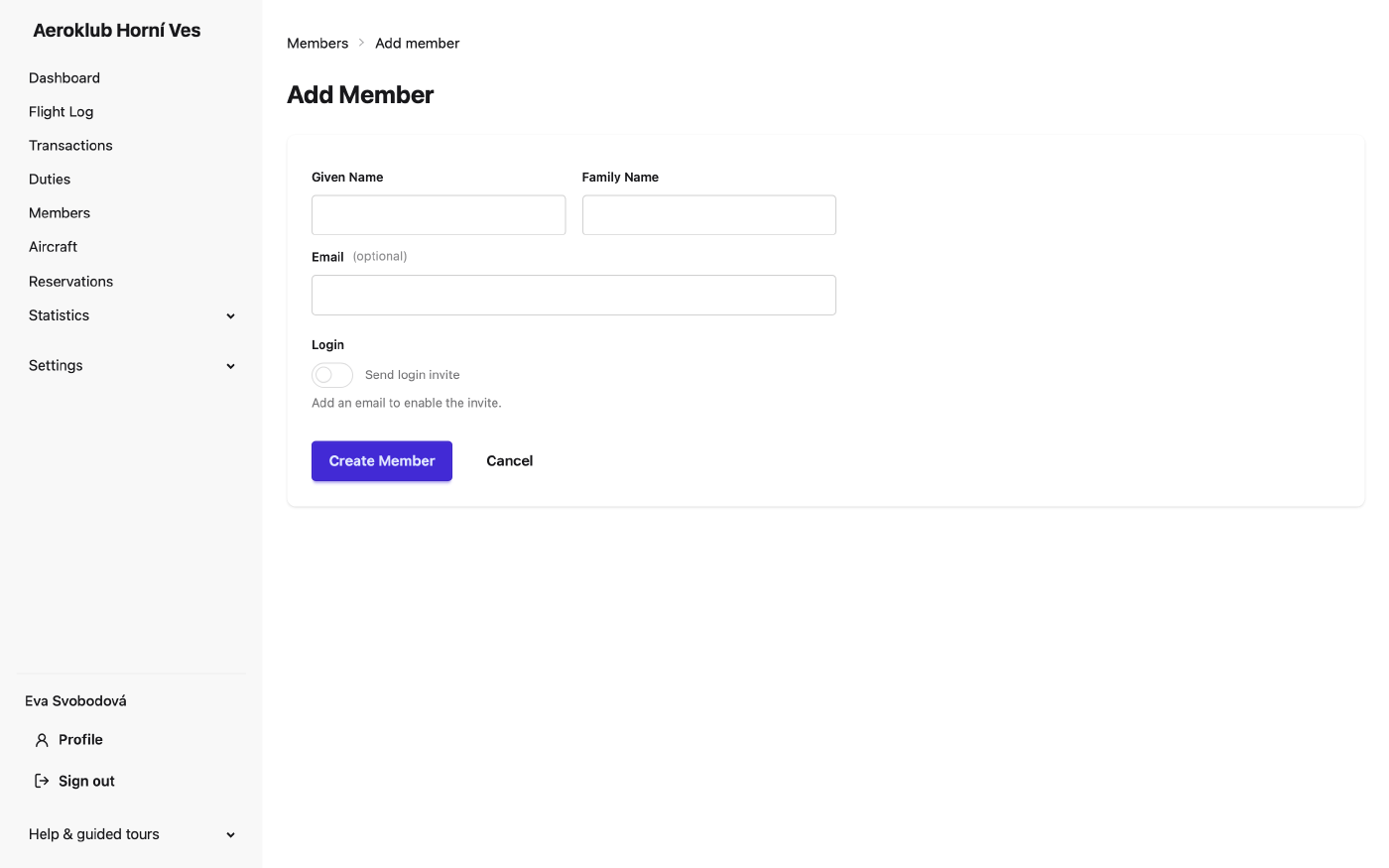
Many members at once: Import a CSV — it also updates existing members.
The member page
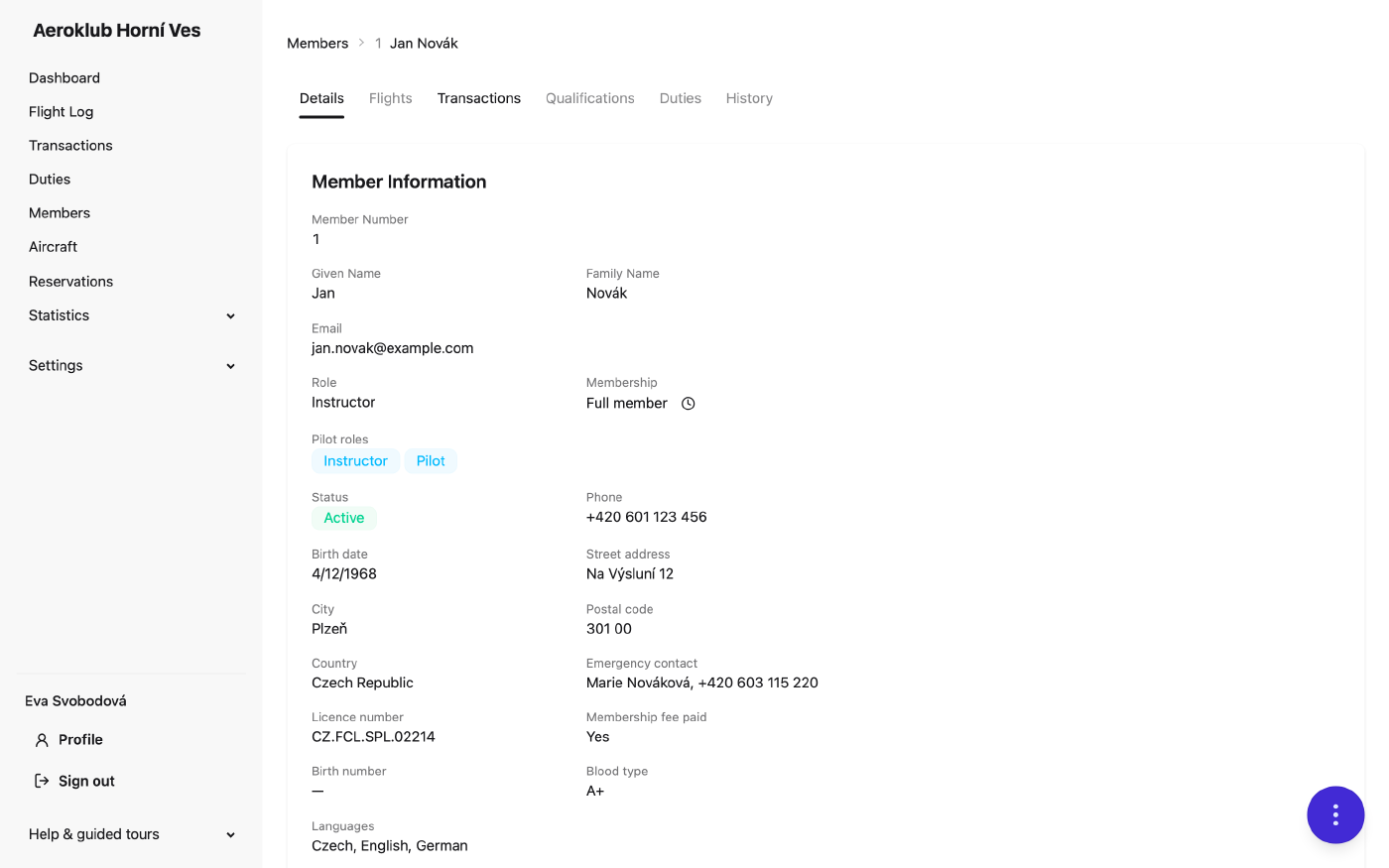
- Details — contact details, membership and its history, pilot roles derived from the licences, custom fields, and the login Account: Linked, Pending invite (with its expiry) or No account yet.
- Transactions — balance, the member’s ledger (Individual / By type / By flight), recording a payment and the Opening balance carried over from before the club used AeroclubHQ.
- Qualifications — licences grouped by certificate, qualification rules as pass/fail, Add license, renew, End licence… (with a reason, optionally ending dependent ratings), and per-member overrides of a rule (Pass or Exempt, with a required note and review date).
- Duties, Flights (the member’s logbook with totals, including baselines from before go-live) and History (every change to the record).
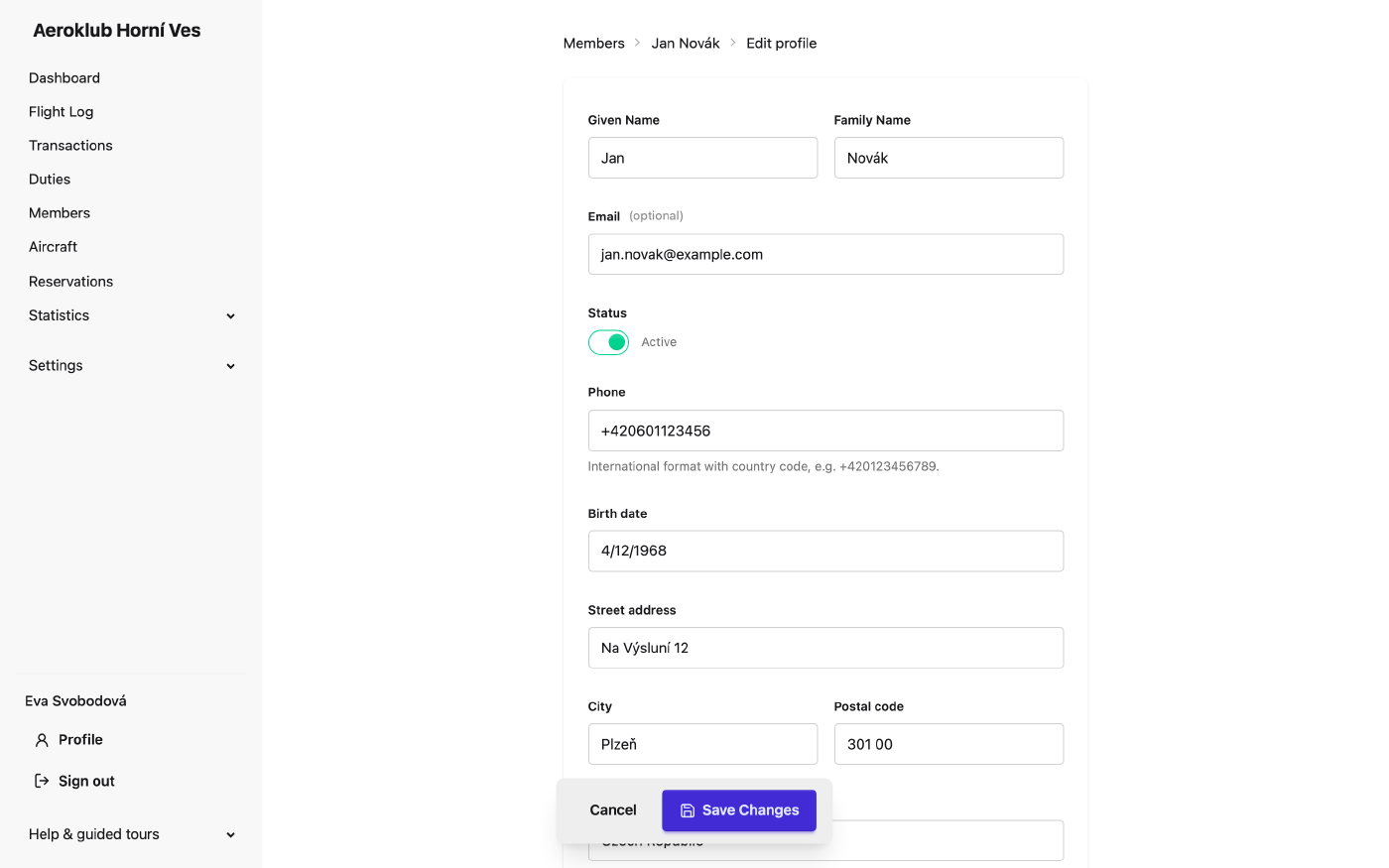
Every action on the member is in the round Member actions button: Edit profile, Notification settings, Reset password, Change role, Change membership (with an effective date), Deactivate member / Reactivate member (you can’t deactivate yourself), and Send invite / Resend invite / Revoke invite for the login. Sending asks for the role; if the email can’t be sent, the dialog stays open with the invite link to copy.
Export
Members (CSV), Members (PDF) or Custom export…: choose columns, including the money columns (balance, credits, debits, number of transactions) for people allowed to see balances. The export keeps the member id column, so an edited file can be imported back as a correction. See Exports.
Related
- Users — login accounts and invitations.
- Memberships and Custom Fields.
- Certificates & Licenses and Qualification Rules.
- Import — bulk create and update.