Reservations
Shared bookings of club aircraft, with overlap protection and cancellation history.
This page is for club administrators. As a pilot you don't need it — go to the Pilot guide.
What it is
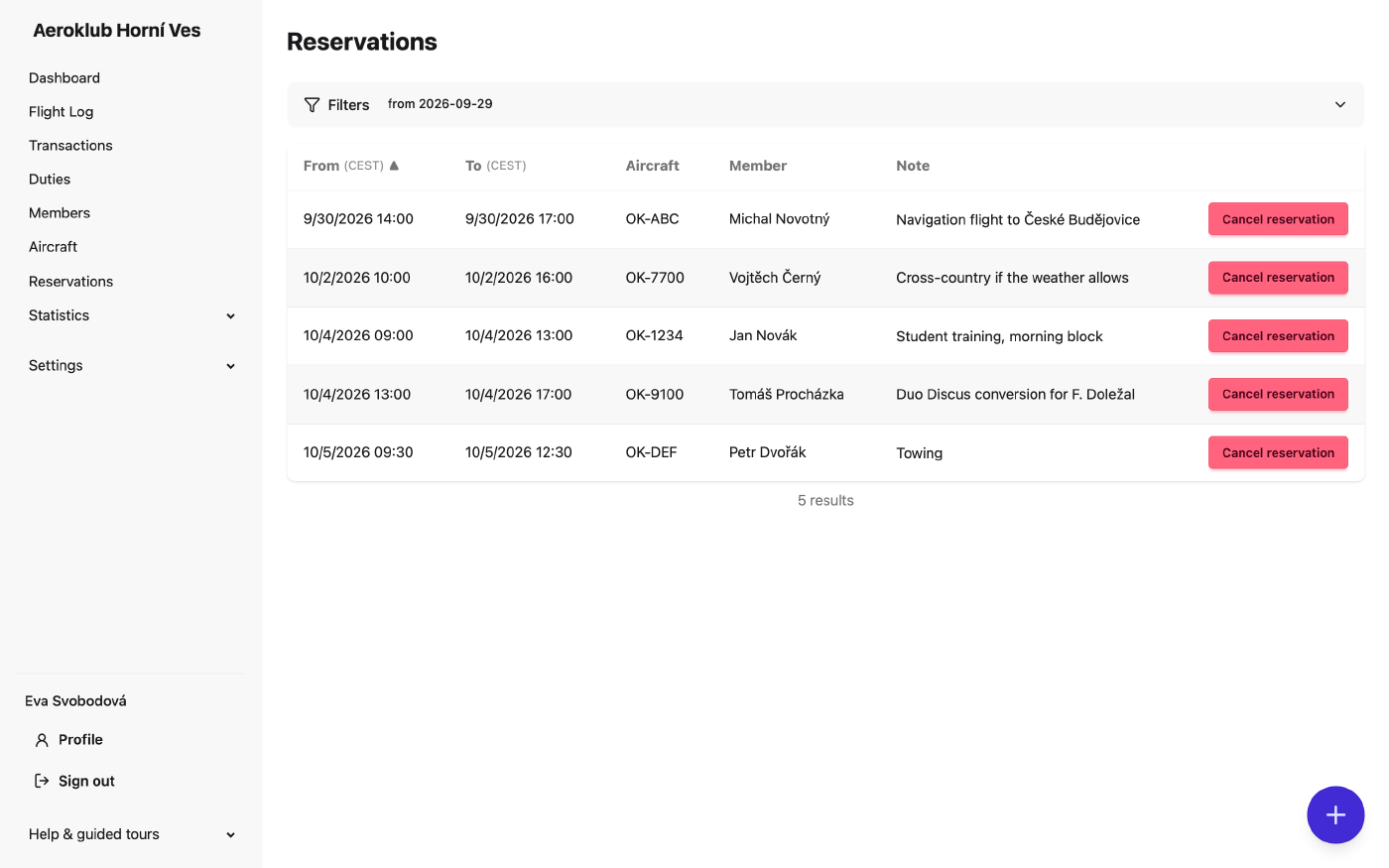
A shared list of aircraft bookings, sorted by start time: aircraft, member, from–to and a note. Only club aircraft marked Reservable can be booked, and a booking that overlaps another booking of the same aircraft is refused. How members book is in the pilot guide.
How to use it
- Filter by aircraft and date range; the list starts at today. Tick Show cancelled to see cancelled bookings with who cancelled them and why.
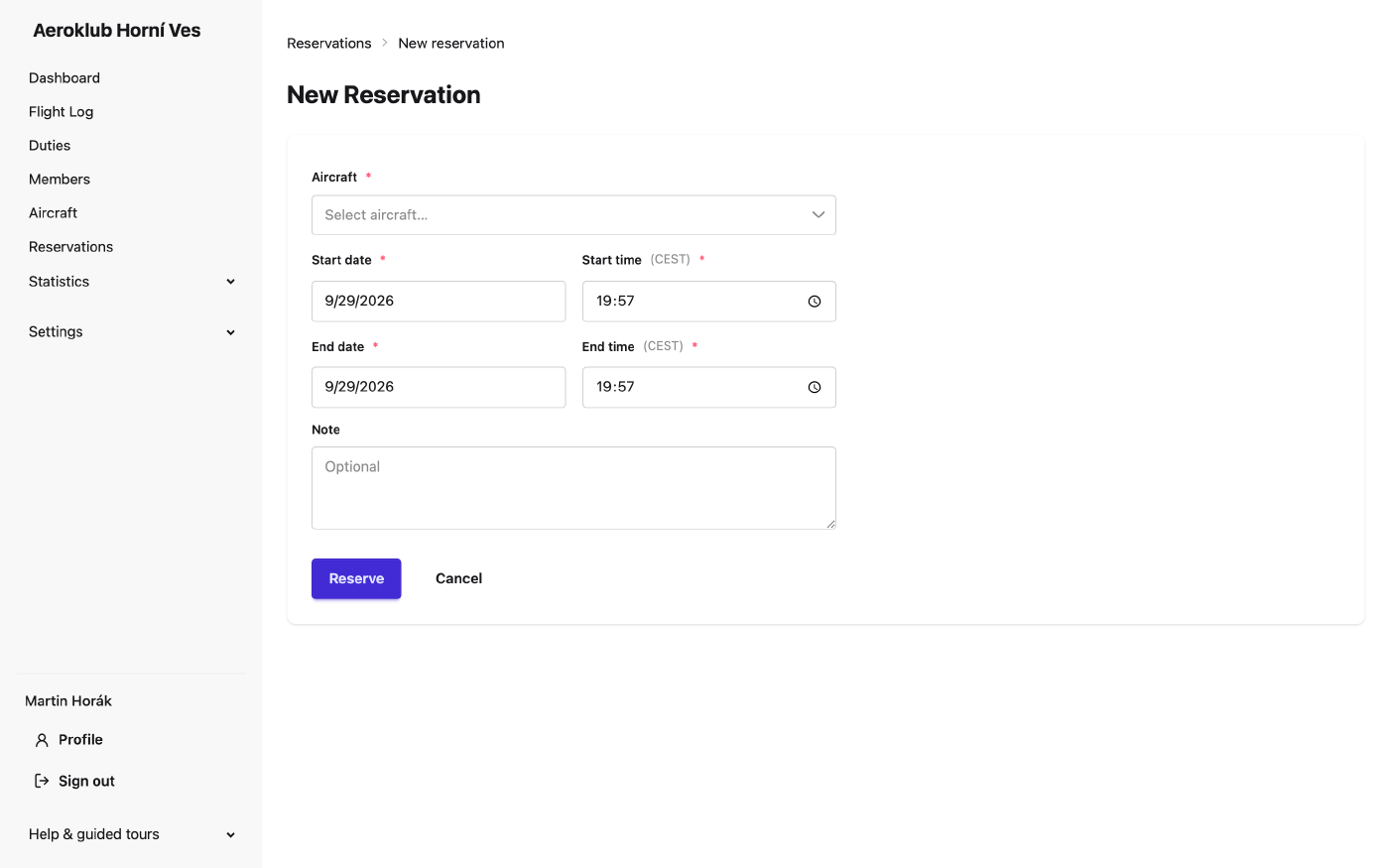
- New reservation — the round + button.
- Cancel — members cancel their own future bookings; people with the right to cancel any reservation can cancel anyone’s. A reason is optional and kept.
- The next seven days of bookings are also on the Dashboard.