Reservations & duties
Book a club aircraft, and see the work hours you did for the club.
Book an aircraft
- Open Reservations in the menu and press the round + button.
- Choose the aircraft, the start and end time and add an optional note (for example Cross-country to LKMB).
- Press Reserve.
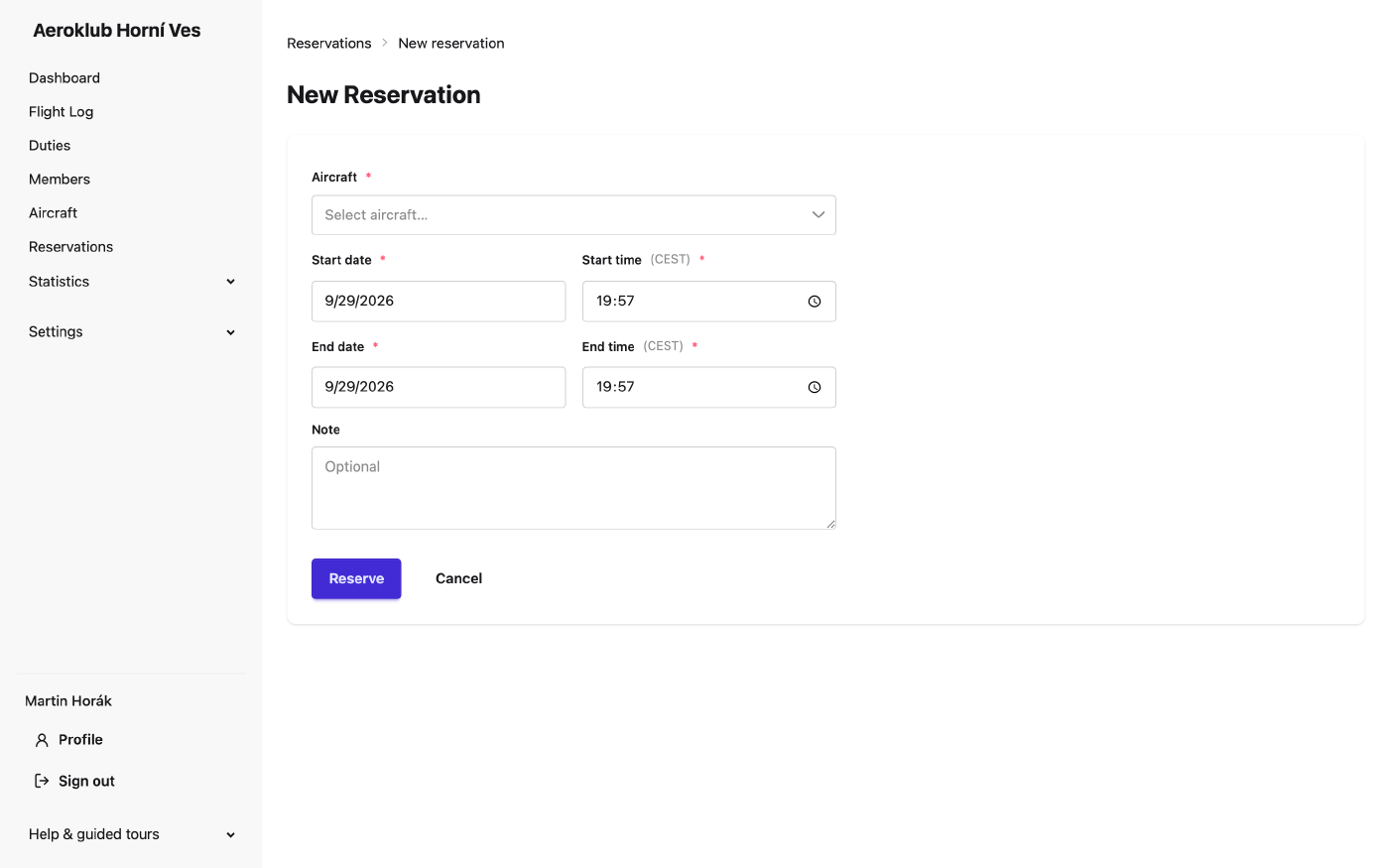
The app refuses a booking that overlaps another booking of the same aircraft. Only the club’s own aircraft can be booked. Upcoming bookings for the next seven days are also on your dashboard.
Cancel your own future booking from the list; you can give a reason. The cancelled booking stays visible when Show cancelled is ticked.
Duties
Duties records the work members do for the club — airfield duty, towing, instructing, hangar work. When a duty is approved, you are credited on your account according to the club’s rate for that kind of work.
If your role allows it, log your own duty with the round + button: the date, the type of work, the duration and a short note. Someone else then approves it — nobody can approve their own duty.
Your duties and their credits are also on the Duties tab of your member page.